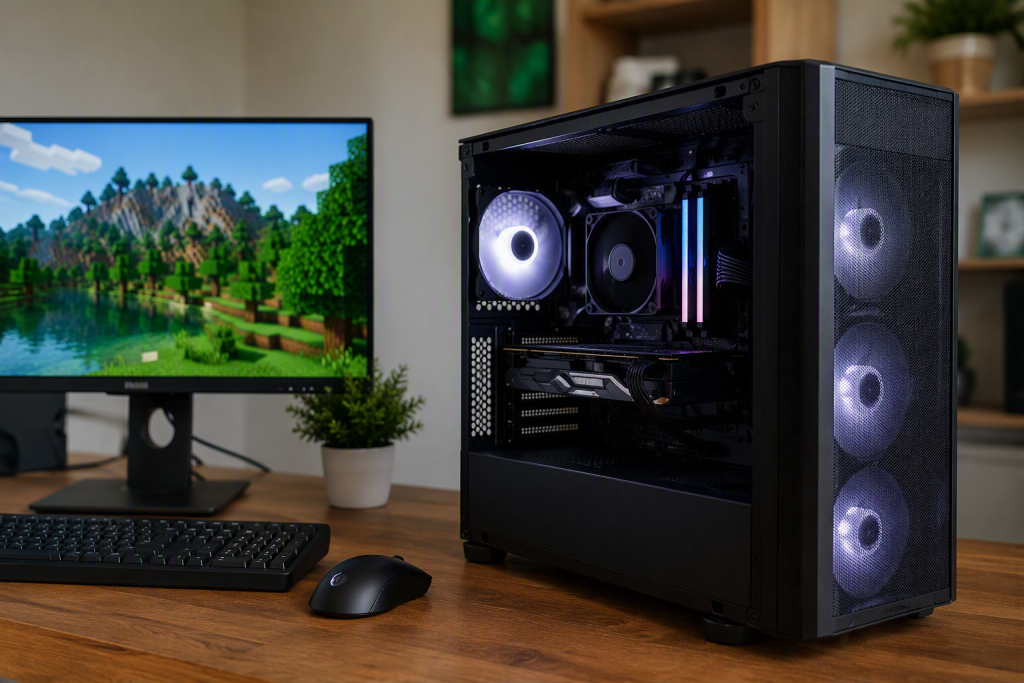
Minecraft is designed to run in two versions: the Java and the Bedrock editions. Java is a personal computer (PC)- based edition, while Bedrock can run on multiple devices, including PCs. The flexible options put a PC, a common device for Minecraft for most players. However, owning one seems to be an expensive affair, since most marketed brands and models are intended for office and academic use.
Additionally, most players don’t understand what minimum features a PC needs to run the game smoothly. That makes it hard for the younger generation to find an affordable PC for gaming. The fact is, Minecraft can run on relatively affordable hardware that delivers smooth gameplay while leaving room for future upgrades. This article will guide you in finding the right PC for Minecraft with the right components.
What a Basic Minecraft PC Should Offer
Every PC can run Minecraft, but the question is how smoothly and comfortably it can run. While Java Edition, mods, shaders, and large multiplayer environments can place greater demands on hardware, there are minimum standards for computer gaming.
When choosing an affordable brand and model, do not compromise on the following target features;
- Has a minimum 1080p for smooth gameplay.
- Stable performance during exploration and building.
- Minimum of 8GB RAM.
- A reliable processor to launch the game and servers.
A Mid-Performance Processor
The processing unit is the most significant component of a Minecraft PC and you can experience great gaming if its performance is strong. The performance can be well noted during world generation and simulation. For a good budget experience, insist on buying one with a modern mid-range CPU.
Sometimes you may be lucky to find one with multiple cores that can support multitasking and background applications rather than a single-core performance. A reliable processor will also allow you to explore expansive worlds or play on multiplayer servers without lag. Therefore, when choosing a computer for Minecraft, do not let the budget compromise on the CPU.
Adequate RAM for Minecraft
Random memory allows a PC to access and run programs from various sources and connects the operations of various peripherals to work in harmony. Although most PCs nowadays come with at least 8GB of RAM for basic Minecraft, you may want to get higher-capacity RAM for a new budget gaming PC.
Lower RAM will ot allow you to run mods, browsers, Discord, launchers, or other applications at once or without lags. 16GB of RAM is a reasonable target for good performance, but if you get a good deal for 32GB, consider yourself lucky to be playing heavily modded Minecraft. However, regardless of the random memory capacity, another important factor is how well you configure and allocate it in Minecraft.
Performance on Multiplayer Servers
Players who want to experience the best of Minecraft should play on multiplayer servers to discover Minecraft communities and other experiences. Some servers are small and others are larger with a high number of online players. For a PC to access servers easily and play seamlessly, it needs a mid-range dedicated GPU for 1080p gaming. The better the graphics, the higher the resolution and power to execute demanding game modes.
However, even with a good PC with adequate RAM and CPU performance, your choice of Minecraft server for different modes affects gameplay. The easiest way to discover multiplayer is to use a server ranking and listing website. From this list of the best Minecraft servers, you can easily identify one that is compatible with the Java Minecraft edition, popular and active among PC players. Take advantage of the reviews and comments on each server and find out from the online community the PC specifications they are using. This information can also give you a clue about the best budget PC to choose.
Files Type of Storage
Besides RAM, having reliable, adequate storage for the operating system and the Minecraft installation is equally important. Unlike RAM, storage does not affect PC pricing much. Hence, you can comfortably acquire at least 1TB of SSD storage at little or no extra cost. Also, ensure the PC storage is an SSD rather than a traditional hard drive. It offers faster retrieval of system files, faster game launches and lower heating during long gaming sessions. SSD also allows quicker installation of mods and resource packs.